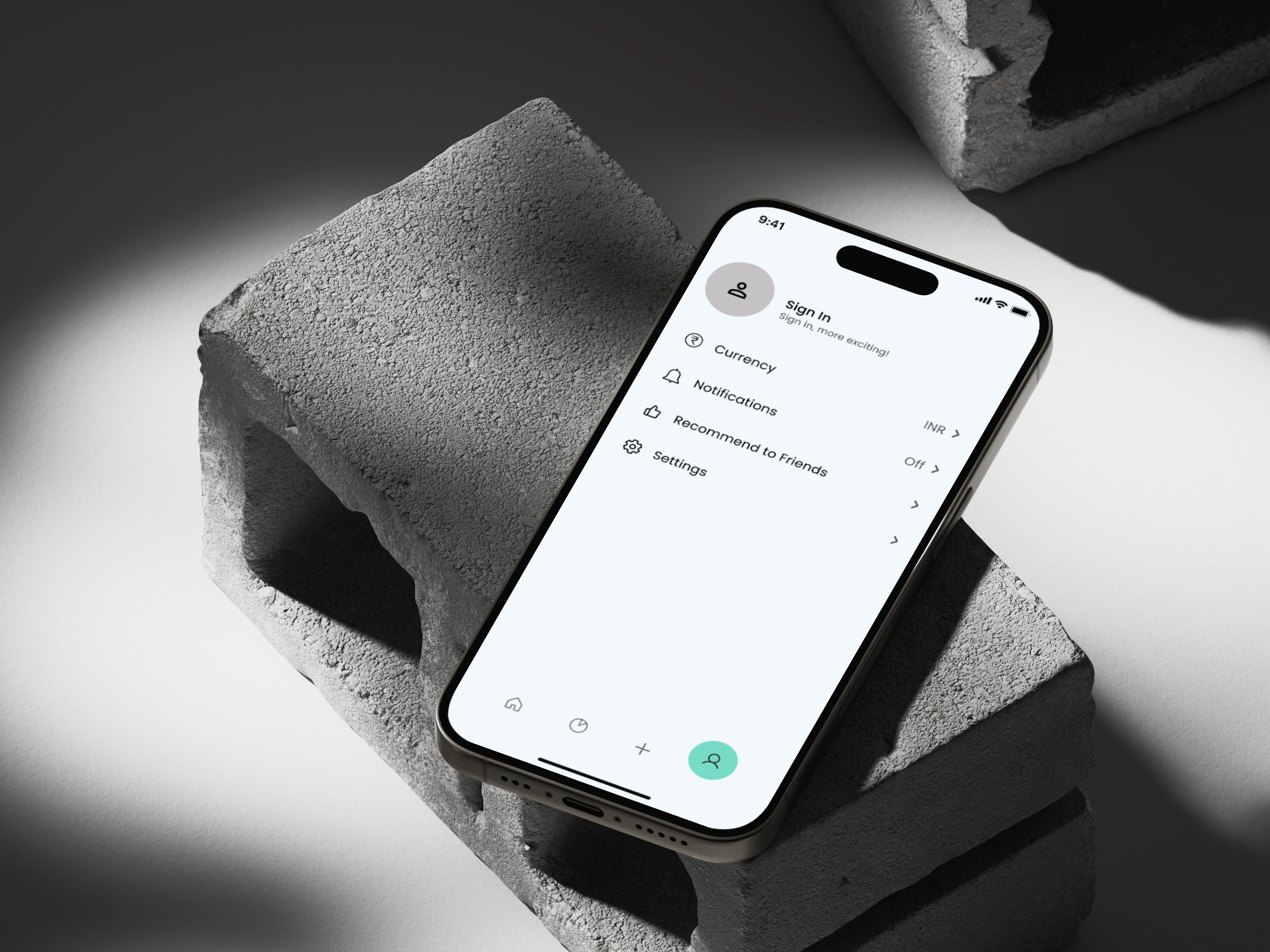
Spendyfy - Expense Tracker app
A Minimal Expense Tracker Designed for Everyday Use
Role
UX/UI Design
Industry
Personal Finance
Duration
3 Weeks
1. Problem Statement
Many people especially students and young professionals struggle to manage their day-to-day expenses. Existing finance apps often feel overwhelming, cluttered, or too complex for simple personal use. Users need a minimal, user-friendly tool to track their income and expenses, categorize spending, and get a clear visual overview of their financial habits.
2. User Research
I conducted informal user research by speaking with two friends who regularly use expense tracking apps. The goal was to understand their challenges and expectations when managing personal finances. Both users mentioned that most apps feel overloaded with unnecessary features and prefer something minimal, visual, and fast for everyday use.
3. Objectives
Understand users' current expense tracking habits
Identify common frustrations with existing apps
Learn what features users truly value
Gather insights to design a cleaner, more focused experience.
4. Ideation
Based on user feedback, I aimed to design a simple and focused expense tracking app without unnecessary features. The goal was to reduce clutter and make the experience quick and visual.
One-tap quick add for income/expense
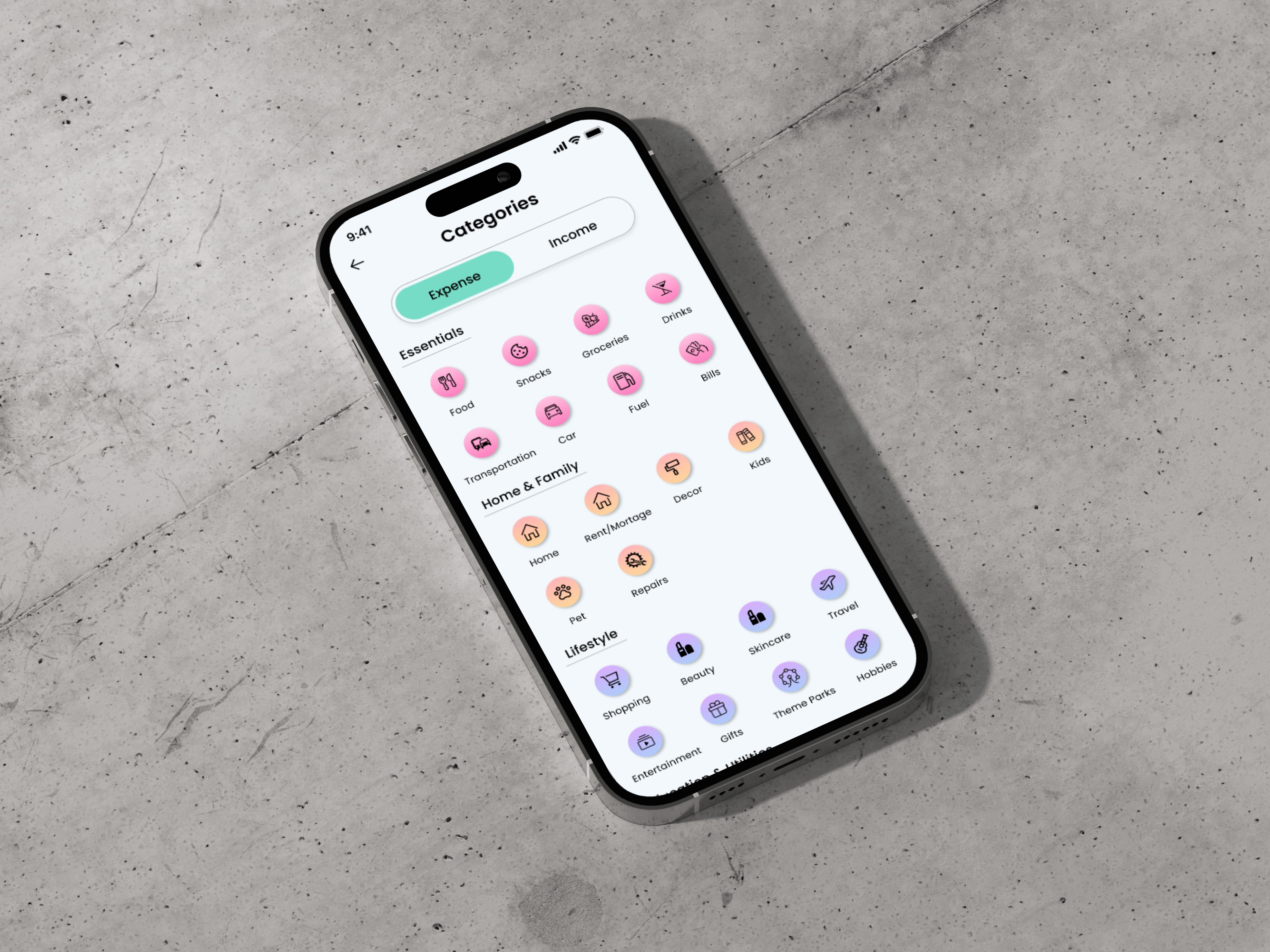
Clean category system with colors
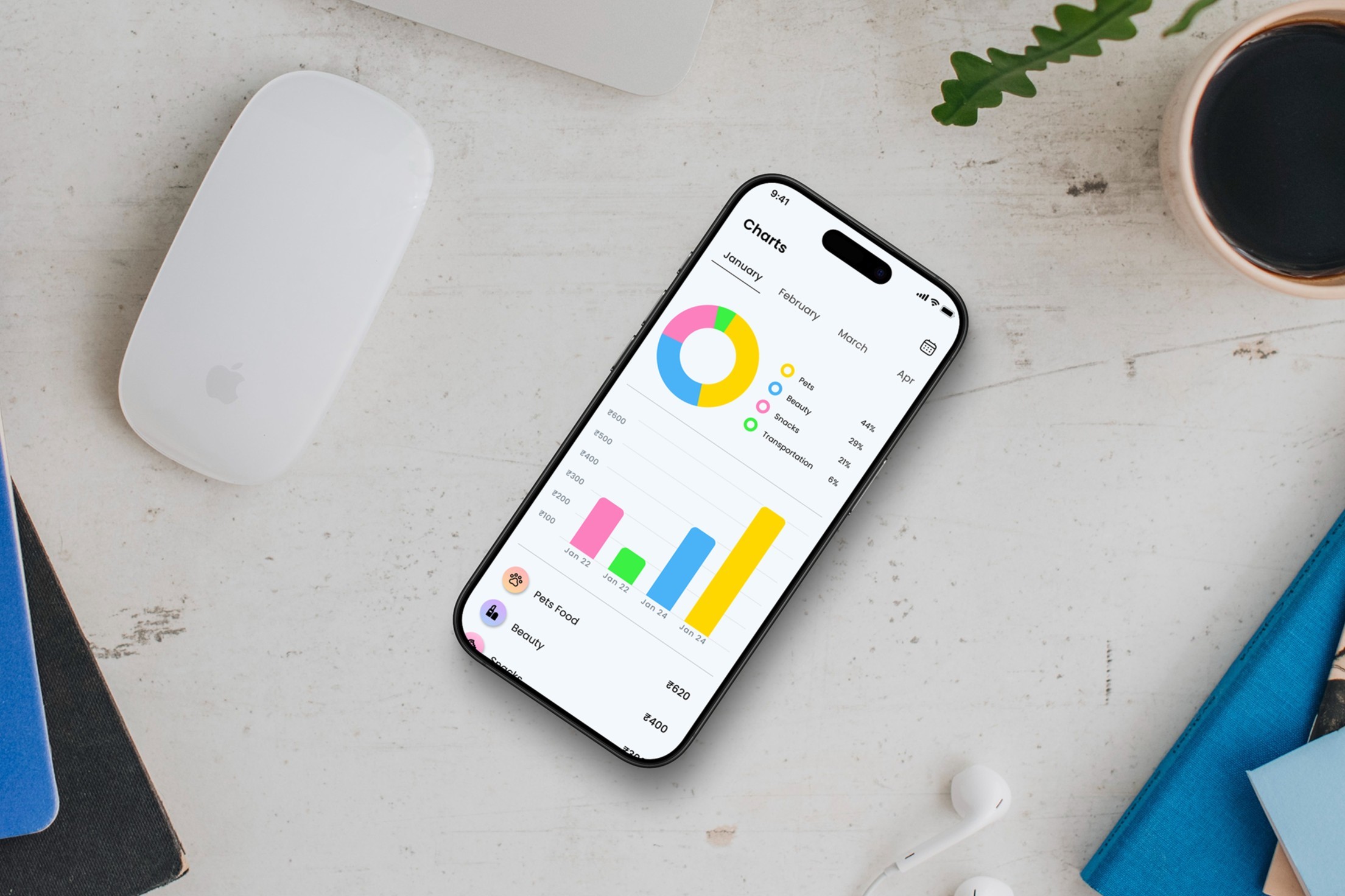
Simple pie chart for daily/monthly tracking
No sign-up required to start using
5. Wireframes
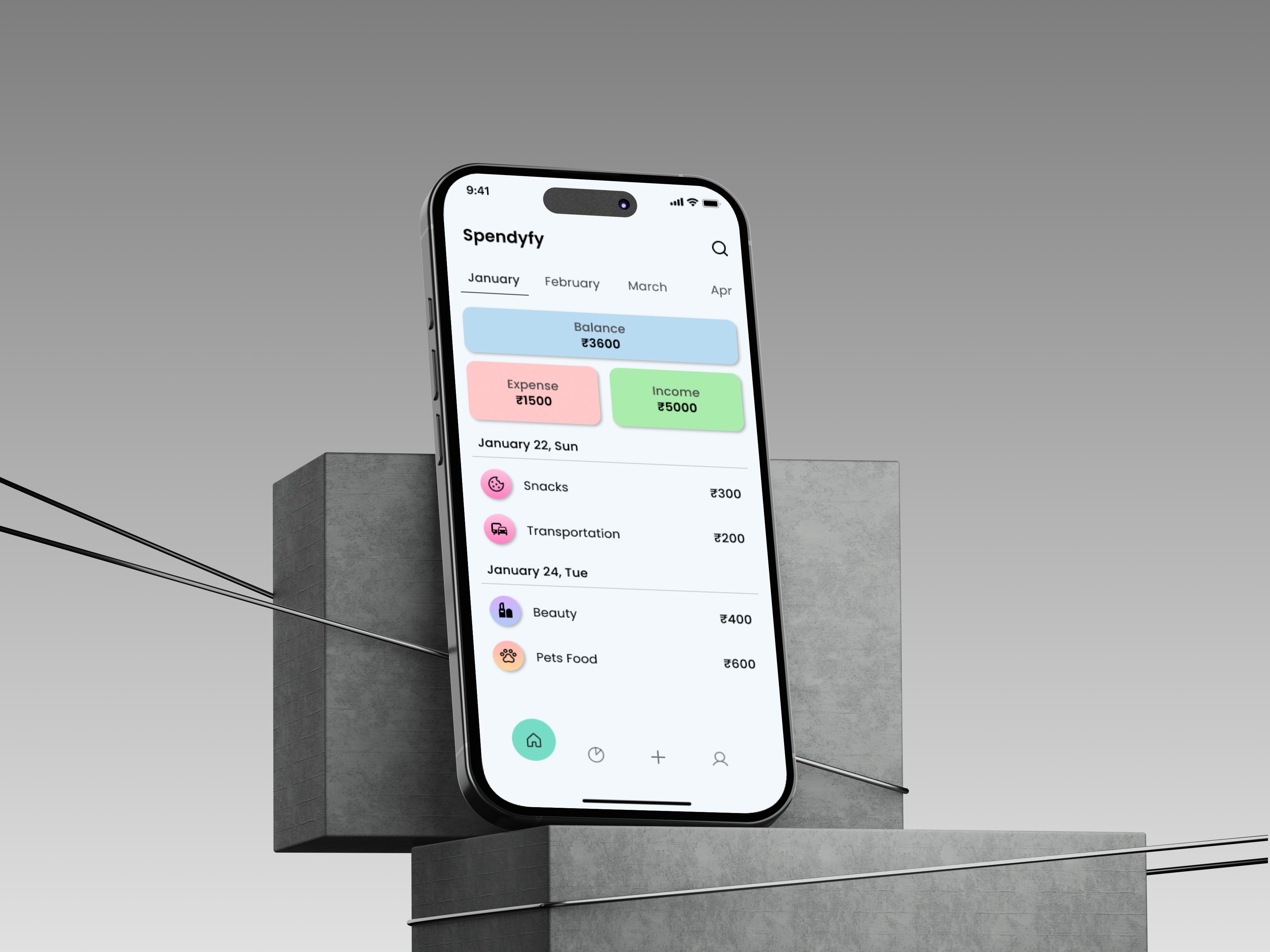
Home screen with income and expense summary
Add transaction screen with category and amount inputs
Category overview with pie chart visualization
Navigation bar with essential icons only
6. UI Design & Prototype
Created clean, minimal UI to avoid distractions
Used neutral colors and simple fonts for clarity
Designed smooth user flow for adding and tracking expenses
Built high-fidelity screens and interactive prototype in Figma
Tested key actions like adding a new transaction and switching categories
7. Testing & Feedback
I tested the prototype with my 2 friends who matched the target audience. They found the flow easy to navigate and visually appealing. One suggested improving the icon clarity on the homepage, which I adjusted in the final design.
8. Outcome
The final design successfully addressed the core problem by making expense tracking simple and intuitive. I learned how to conduct structured ideation, build clean wireframes, and turn them into a working prototype. Feedback from 2 friends helped me refine small interaction issues.